English





Choose a format
Processed securely – nothing is stored on our servers.
NewNow with MP3 & slideshow downloads
HD quality • MP3 audio • Slideshow photos • Free
 No watermark
 HD · Full HD
 Fast
 Any device
Hang on a moment while SnapTik prepares your video.

The link is invalid, or the video was deleted or set to private.
Please check that:
Processed securely – nothing is stored on our servers.
Everything you need to keep the TikToks you love – clean, sharp and ready to share with permission.
Get the original file without the bouncing TikTok logo and username, at full sharpness.
Paste a link and your download options appear right away – no queues, no waiting rooms.
No sign-up, no hidden fees
HD · Full HD · as uploaded
No download history, no personal data. Files go straight to your device.
No TikTok account, no registration, no app – just your browser.
Turn any TikTok into an MP3 and save every photo from slideshow posts.
Open TikTok, find the video, tap Share and choose “Copy link”.
Paste the link in the box above and hit Download. SnapTik detects videos, audio and slideshows automatically.
Choose MP4 without watermark, MP3 or the cover image. The file saves straight to your device.
The steps are almost identical everywhere – only where the file is saved changes. Pick your device:
The most common hiccups when downloading TikTok videos – and how to solve them in seconds.
Links like vm.tiktok.com or vt.tiktok.com are fine. You can even paste the whole TikTok share text – SnapTik picks out the link.
Only public videos can be downloaded. Try opening the link in a private window – if you can't watch it there, SnapTik can't fetch it either.
For safety, each download button works for 10 minutes. If a download fails, just paste the video link again.
Safari saves files to the Files app → Downloads. Long-press the video → Share → Save Video to move it into Photos.
For slideshows, SnapTik lists every photo so you can save each one; grab the soundtrack as MP3.
To prevent abuse, each device has a short limit on requests. Wait a few minutes and try again.
Save the videos you love in a couple of taps – quick, simple and completely free.
SnapTik is a free online TikTok downloader. When you save a video with TikTok's own “Save video” button, the app stamps a moving logo and the creator's username on top. SnapTik fetches the original file instead, so your download is watermark-free and keeps its full quality.
There's nothing to install and no account to create. Copy a video link, paste it into the box and choose a format: MP4 without watermark, MP3 audio or the cover image. For photo (slideshow) posts, every image is listed so you can save them one by one.
Please respect creators: download for personal viewing or with the owner's permission, and don't re-upload other people's content without asking. SnapTik is independent and not affiliated with TikTok or ByteDance.
The clean video file in the best quality TikTok provides.
Extract the audio or soundtrack to listen offline or use as a ringtone.
Save each photo from image posts – no screenshots needed.
Keep the video thumbnail for references or mood boards.

Use SnapTik on your phone, tablet or computer. No app to install – any modern browser will do.
Music, travel, study tips or pets – every video downloads in original quality with no watermark.
Download nowQuick answers about downloading TikTok videos without watermark with SnapTik.
Yes. SnapTik is free with no sign-up and no hidden fees. You can download as many TikTok videos as you like – just avoid sending lots of requests in a very short time.
Copy the video link in TikTok (Share → Copy link), paste it into the SnapTik box and press Download. Choose MP4 to get the clean, watermark-free file.
No. You don't need to log in to TikTok, create an account or install anything. All you need is the link to a public video.
Yes. SnapTik fetches the best quality TikTok provides (usually HD or Full HD) and doesn't re-compress it.
Yes. Open SnapTik in Safari, paste the link and download. The file appears in Files → Downloads; long-press it and choose Share → Save Video to move it into Photos.
Yes. After pasting the link, choose MP3 to download only the audio track of the video.
Yes. For photo posts, SnapTik lists every image so you can save each one, plus the soundtrack as MP3 when available.
On computers, in your Downloads folder. On Android, in the Download folder. On iPhone, in the Files app → Downloads.
Usually the video is private, deleted, region-restricted, or the link is incomplete. Make sure the video is publicly viewable, copy the link again and retry.
Videos belong to their creators. Download for personal use or with the owner's permission, and don't re-upload or use them commercially without consent.
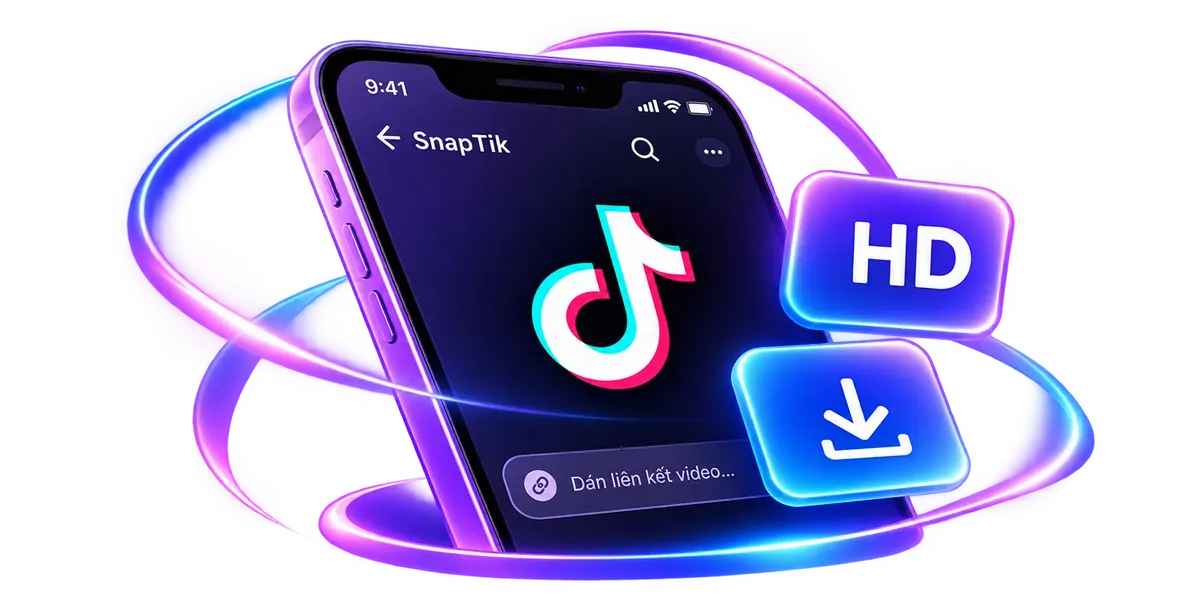
Paste a TikTok link to grab the video without watermark, the MP3 audio or the slideshow photos – free.